| Decision | What is supported | Planning use |
|---|---|---|
| Resolution target | At least 300 DPI gives clear, detailed canvas prints | Check the file’s pixel dimensions at the final print size before you order or print |
| Pixel benchmark | An 8 x 10 in canvas needs at least 2400 x 3000 pixels | Use it as a yardstick for small canvases; bigger canvases need more pixels |
| Size effect | Required resolution varies with canvas size, and larger canvases need higher resolution | Pick the size after checking the file, not before |
| Canvas surface | A cotton/poly blend about 0.017 in thick, 320-340 GSM, with a printable gesso coating for a matte finish | Expect a matte finish rather than a glossy one when judging colour and contrast |
| Home drying | Let home-printed canvas dry undisturbed, dust-free and out of sunlight for at least 24 hours | Allow a full day before handling or stretching |
| Fading risk | Fading depends on the canvas and ink, UV exposure and the environment; airborne cooking and cleaning fumes make it more likely | Hang the print away from kitchen fumes and strong light |
Figures from 365canvas’ printing guide and Walgreens’ canvas print page.
Knowing how to print photos on canvas well, give the printer at least 300 DPI at the final size. The bigger the canvas, the more pixels the file needs, so check the file before choosing the size.
If the image still needs cropping, exposure or colour work before export, the basics in photo editing for beginners are a good place to start.
What a Low-Resolution File Does to a Canvas Print
A file with too few pixels for the chosen size loses the clear, detailed look that a canvas print is meant to have. Walgreens states that the required resolution varies with canvas size, which means a photo can be fine at a small size and disappointing at a large size. The printing guide gives a concrete yardstick: an 8 x 10 in picture should have at least 2400 by 3000 pixels, based on a 300 DPI target.
The practical consequence is that file size, not wall space, should set the upper limit on your canvas. If your file falls short, you have a few honest options:
- Go smaller. Choose a canvas size the pixel count can support. This is the safest fix for a favourite photo that was shot on an older phone or cropped heavily.
- Crop less. Every crop throws away pixels, so decide the framing early and keep as much of the original frame as the composition allows.
- Pick a different frame. When two shots are close, choose the sharper, higher-pixel one for the large print and save the other for a small size.
Background clutter is the other thing that shows up at canvas scale. If a distracting backdrop is the problem, How To Blur The Background Of A Photo You Already Took: Easy Steps For Phone, Desktop & Web (2026) covers softening it, and How To Remove A Background From A Picture: 7 Easy Methods For Cleaner Photos In 2026 covers replacing it. Do either edit before you finalise the crop and export.
Choosing Canvas Size and Edge Depth
Size is a decision about both the wall and the file. Canvas On Demand offers over 20 standard sizes, from 8 x 8 in to 32 x 48 in, so a typical photo can usually be matched to a ready-made size. Look at the size that suits your room, then check whether the pixel count supports it. If it does not, step down a size rather than stretching the image.
Gallery wrap and edge depth
A gallery wrap carries the picture around the sides of the frame, which is why Walgreens describes canvas prints as extending your image over every side of the canvas. In practice, keep important subjects such as faces, horizons and text away from the outer edges of the frame so they are not lost on the sides.
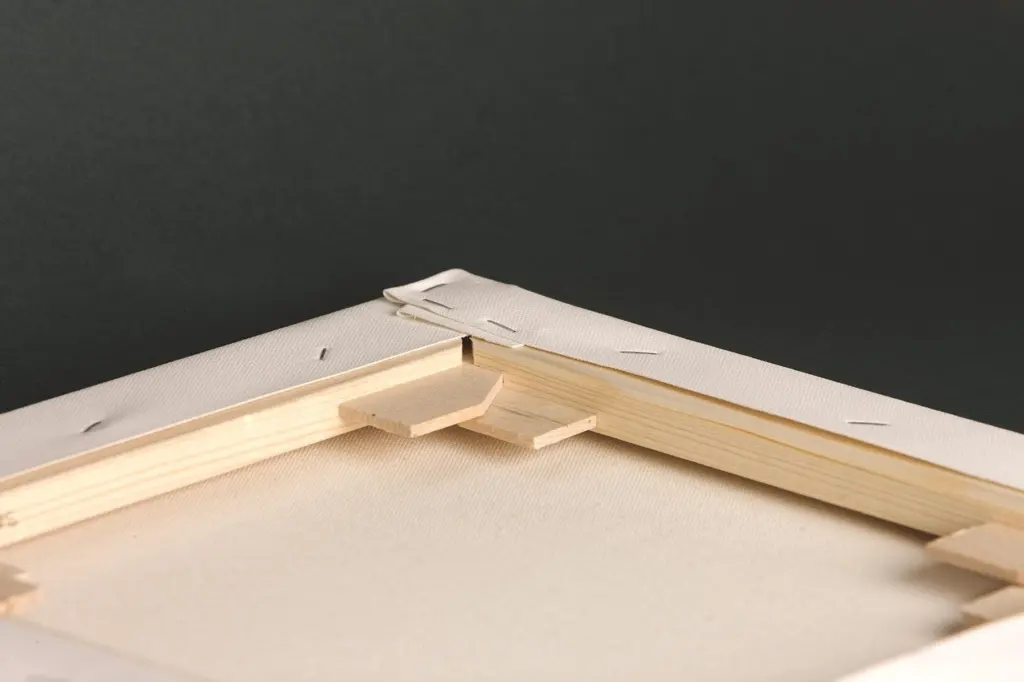
Depth varies by lab. Canvas On Demand includes a 1.25 in gallery wrap on solid wood stretcher bars as standard, while EasyCanvasPrints lets you choose a 0.75 in standard or a 1.5 in gallery-wrapped thickness. A thicker wrap stands out more from the wall and suits a print hung without a frame. A thinner one sits closer to the wall and suits a tidy, understated look.
Home Printing Versus a Print Lab
A lab suits most people who want a large, finished canvas, while home printing suits small, experimental pieces. A lab handles the printer, the coated canvas and the stretching in one order. At home you take on each of those jobs yourself.
What a lab price tells you
Walgreens lists canvas prints from $39.99 and prints them in store on large-format inkjet Epson printers. EasyCanvasPrints showed promotional pricing of $21.15 against a $158.08 list price for a 16 x 20 in canvas, and $33.83 against $260.41 for 24 x 36 in, both excluding shipping. Sale prices change, so treat the list price as the stable comparison and the sale price as an opportunity. Remember to add shipping before you compare labs.
What home printing adds
At home your costs come from the printer, the canvas, the ink and the stretcher bars, and you also supply the time. Raw canvas is highly absorbent, and without priming, ink can bleed and the image turns blurry, so you need a primed or coated canvas. Plan for patience as well: home-printed canvas should dry undisturbed for at least 24 hours. If you only want one large piece, a lab order is likely to be simpler. If you want to test crops and colours on several small pieces, home printing makes more sense.
Printing Method, Inks and Canvas Material
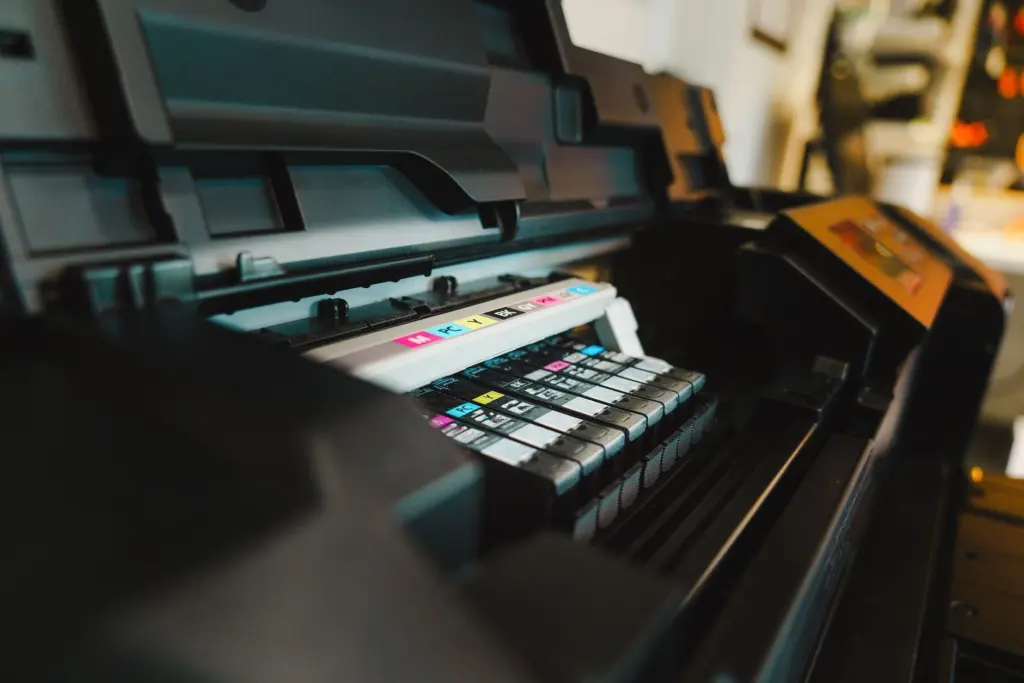
Giclée is the term usually used for this kind of work: high-quality inkjet printing for detailed artwork. In practice that means an inkjet printer laying pigment ink onto a coated canvas surface. The surface matters as much as the printer. Walgreens describes its canvas as a cotton/poly blend roughly 0.017 in thick and 320-340 GSM, with a printable gesso coating for a matte finish. The coating is also what gives the ink something to sit on, which is why raw, unprimed fabric behaves so differently.
Ink type decides how long the print lasts. Canvas Etc. advises that dye inks are not recommended for long-lasting canvas prints, so choose pigment ink if you print at home. The same guide says printers with a rear feed tray or a straight-through paper path are better equipped for thick media, so a printer that bends the sheet sharply around rollers is a poor fit.
Mounting and Finishing
Mounting is where a loose print becomes a finished canvas. The printing guide says to secure the canvas to the stretcher bars starting from the center. Working from the middle outward keeps the surface evenly taut instead of pulling the image off line toward one corner.
Finishing protects the surface. Canvas Etc. calls sealing crucial for protection, so a home print should be sealed once it is dry and before it goes on the wall. If you order from a lab, check what comes ready to hang. Canvas On Demand supplies preinstalled sawtooth hangers, which saves you from adding hardware.
Caring for a Canvas Print
Where you hang the print matters more than how you clean it. Walgreens notes that canvas prints can fade depending on the canvas and ink, UV exposure and the environment, and that they are more prone to fading if exposed to airborne cooking and cleaning fumes. That makes a kitchen a weaker choice than a living room or hallway, and a spot out of strong direct light a better one.
You can also start with a more durable print. Some labs use fade-resistant, UV protectant, archival inks, and a home printer should use pigment rather than dye ink. A sealed surface adds a further layer of protection against everyday wear.
Frequently asked questions
Can I print on canvas at home?
Yes, if your inkjet printer can work with thicker canvas. A rear feed tray or a straight-through paper path suits thick media better, and the canvas should be primed so the ink does not bleed.
Can I print a panoramic or very large photo?
Yes, labs offer both. Canvas On Demand lists panoramic sizes of 12×36, 16×48 and 20×60 in, and EasyCanvasPrints offers custom sizes up to 44×60 in. A larger print still needs a file with enough pixels for that size.
How long will the ink last?
Walgreens says its Epson UltraChrome HD pigment inks are expected to have Wilhelm Imaging Research album and dark storage permanence ratings well in excess of 200 years. Those ratings describe storage conditions, so display conditions such as light and fumes still affect how a print ages.