
Photo Editing
14
stories in this section
-
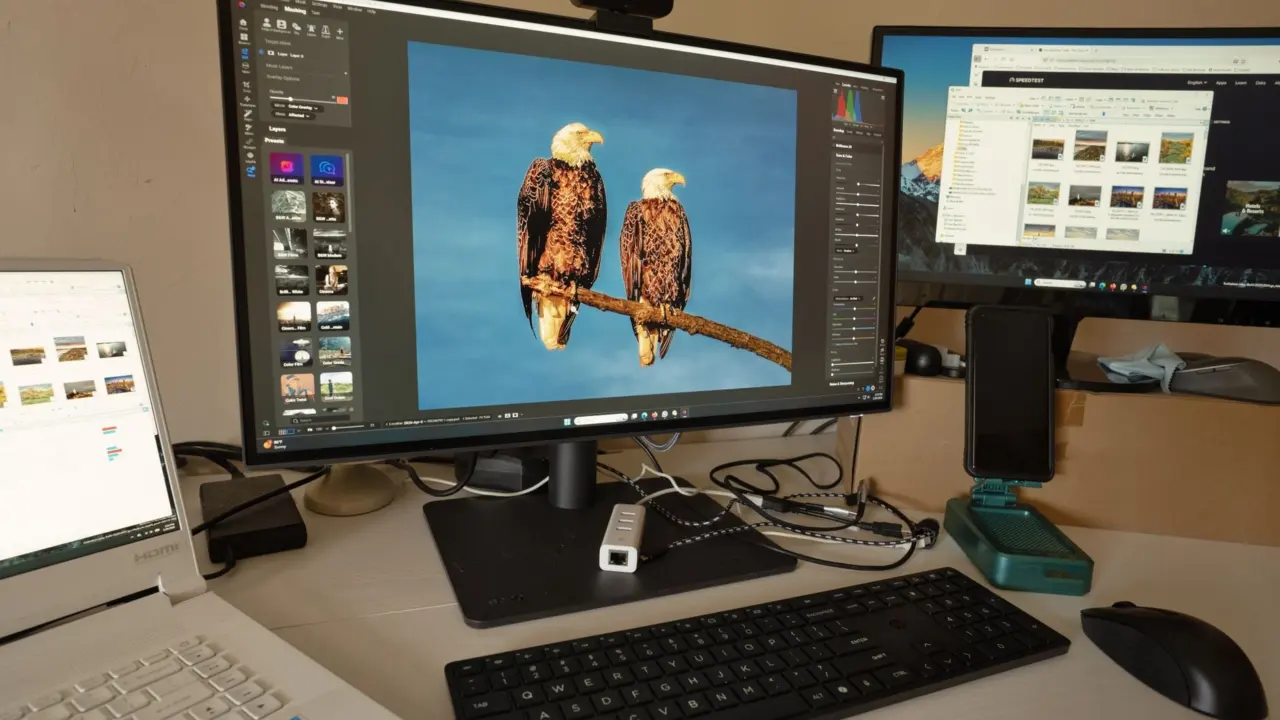
Photo Editing Workflow
You shot a weekend of photos and they look flat on screen. Photo editing for beginners starts with a simple order: shoot RAW, check the histogram, cull, correct white balance and exposure, then add colour grading and export. Flat is normal. RAW files straight from the camera tend to look flat with muddy colours, and…
-
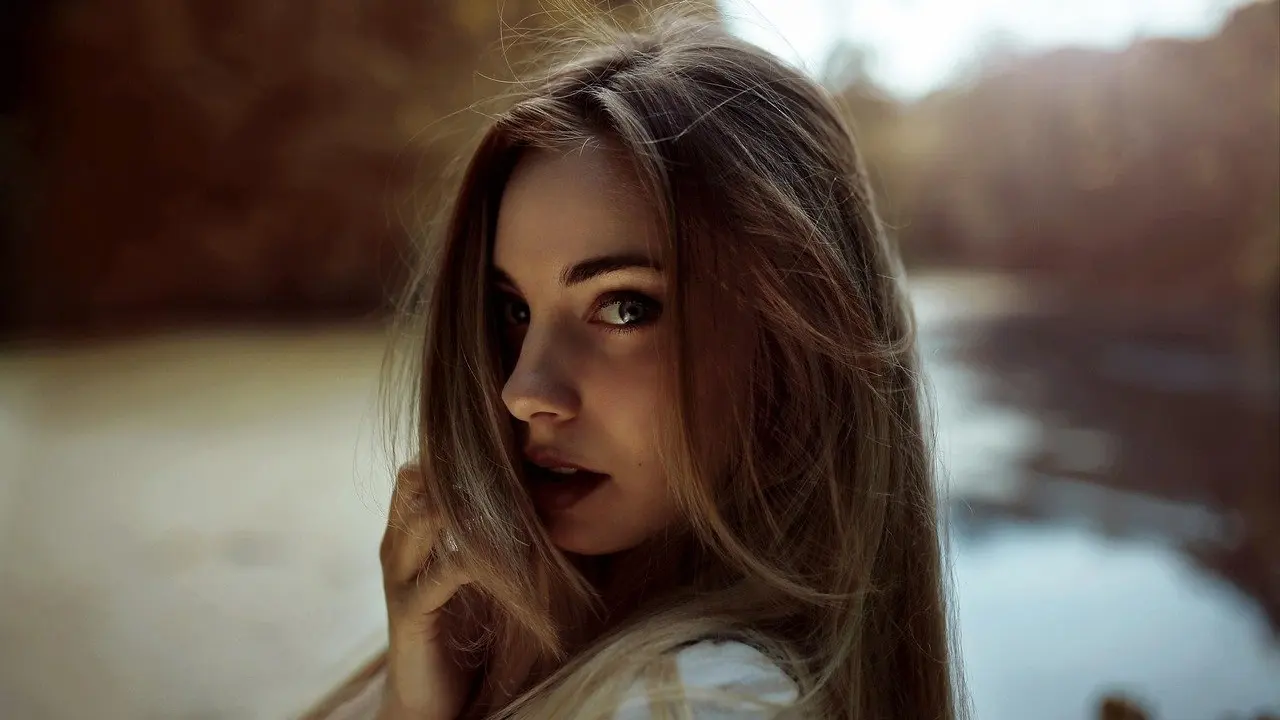
How To Blur The Background Of A Photo You Already Took: Easy Steps For Phone, Desktop & Web (2026)
Your photo What happens to the blur Planning use Portrait mode photo on a supported iPhone (12, 11, XS and XR lines) A Depth slider changes blur strength after the shot Try this first. No masking is needed. Older iPhone, or a photo not taken in Portrait mode The Depth slider is not available Use…
-

How To Edit Photos With AI: A Practical 2026 Guide To Faster, Better Images
Here is how to edit photos with AI: upload the image, ask for one specific change, compare the result with the original, and keep the edit only if it genuinely improves the photo. The workflow below works across tools, and it sits within our wider coverage of ai in photography. How AI photo editors take…
-
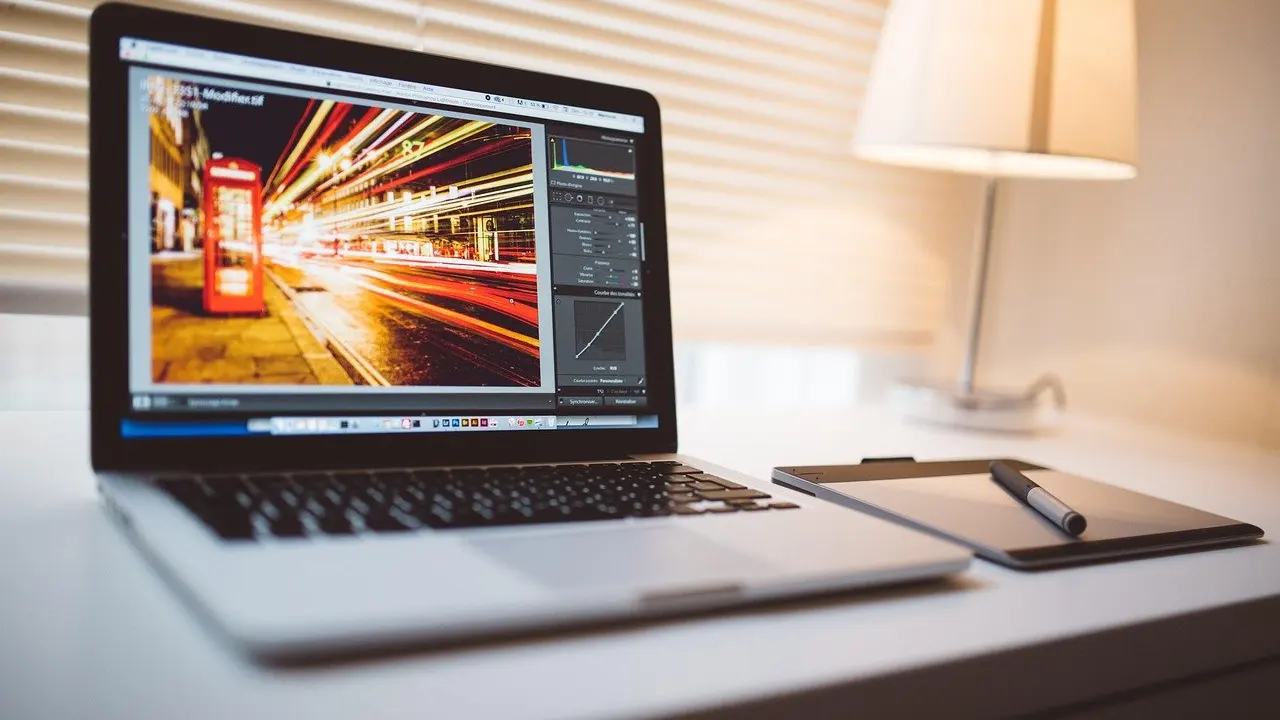
Top Free Online Photo Editing Tools: How To Pick The Best Editor For Your Photos in 2026
Editor Free-tier facts and limits Planning use Photopea Browser app with layers, PSD saving and RAW editing. Premium is $5/mo and includes AI credits; the other tools are free. The pick for layered, Photoshop-style work and for anyone who shoots RAW. Pixlr Browser editor that exports WebP but not PSD. Its most affordable paid plan…
-
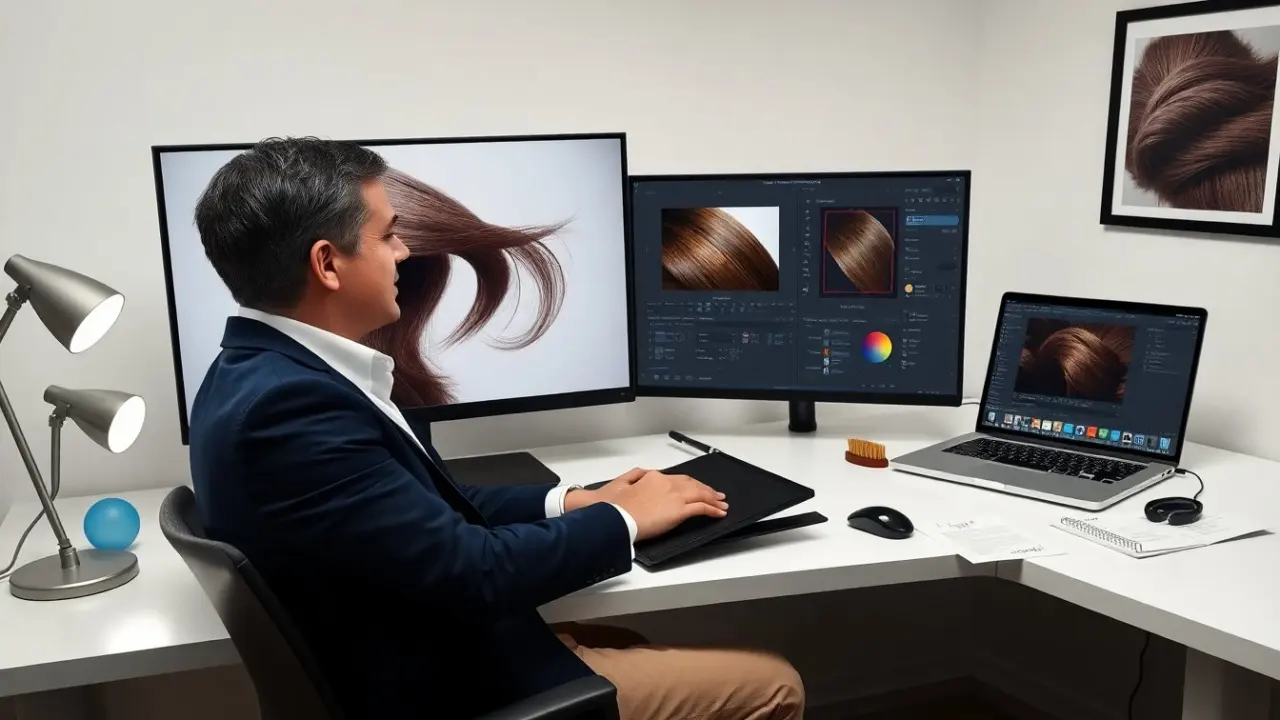
How To Edit Hair In Photos: Simple, Natural-Looking Techniques For Faster Results (2026)
How to edit hair in photos appears early in many editing workflows. The guide explains tools, steps, and settings. It shows quick fixes and realistic results. The reader learns to prep an image, fix stray hairs, correct color, and export for web or print. The instructions keep edits natural and repeatable so the editor saves…
-
How To Edit Ecommerce Photos: A Practical 2026 Guide To Faster, Higher‑Converting Product Images
Decision What the evidence supports Planning use Source resolution Minimum 2000 px on the longer side before editing Treat this as a floor for the master file, not as the size you publish. Page speed Large images can slow page loading and hurt user experience Export sized copies for the page and keep the master…
-

How To Remove A Background From A Picture: 7 Easy Methods For Cleaner Photos In 2026
You have a product photo due today and need to know how to remove a background from a picture without paying. Start with an automatic remover for speed, then switch to a mask-based editor when hair, glass or print quality matters. If you are still building your basics, start with our guide to photo editing…
-

How To Edit People Out Of Photos: Practical, Fast Methods For Cleaner Images (2026 Guide)
They want clear photos without unwanted people. This guide shows how to edit people out of photos with fast, reliable steps. It covers when to remove people, the laws to check, the best tools, a step‑by‑step workflow, and ways to make edits look natural. The reader will learn quick methods for phones and detailed techniques…
-
How To Remove Background From A Logo: Fast, Clean Results For Web And Print (2026)
Wondering how to remove background from logo files that keep landing in a white box? Run the image through a background remover, then save the result as a PNG. The catch: the output is made of pixels, so keep a vector master. Logo cutouts are one small job inside a wider editing routine. The general…
-
Best Lightroom Presets in 2026: Transform Your Photos With These Top Picks
Photographers want fast results and consistent color. This guide lists the best lightroom presets and explains how to pick them. It shows options for portraits, landscapes, film looks, and mobile edits. Each recommendation helps the reader save time and keep a clear editing workflow. Throughout, you’ll find practical testing steps, checklist items to evaluate packs,…