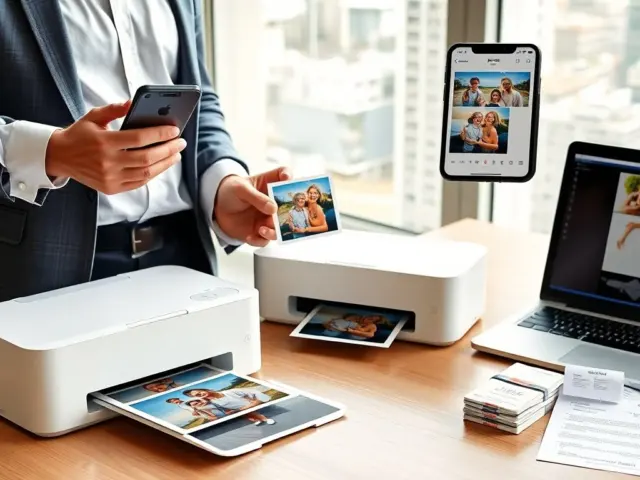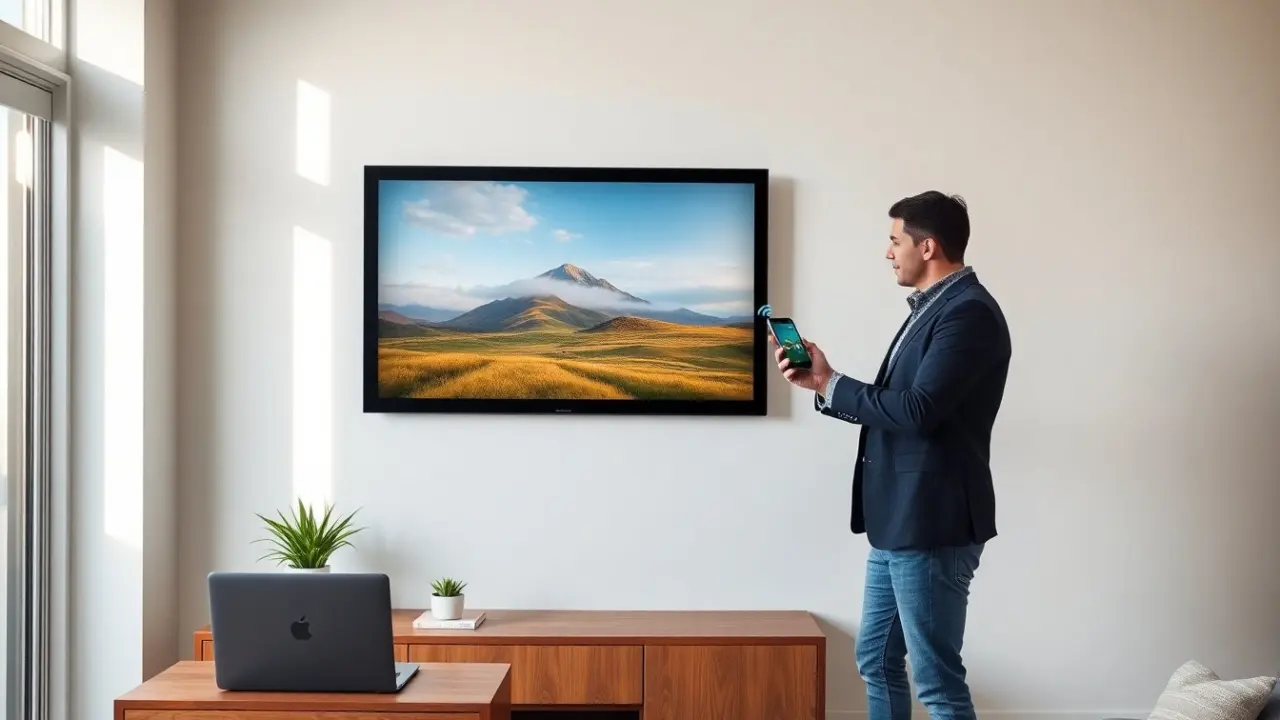
A large digital photo frame helps people show many photos in one place. It displays images in high detail and it refreshes a room’s look. The guide explains what to check, how to set one up, and how to use it well. Readers will learn how to pick a frame that fits their space, budget, and photo habits.
Key Takeaways
- A large digital photo frame provides a detailed and dynamic way to display hundreds of photos, enhancing any living space or professional setting.
- Choosing the right large digital photo frame involves considering screen size, resolution, display quality, storage options, and connectivity features like Wi-Fi and cloud syncing.
- Many large digital photo frames include smart features such as calendar, weather updates, and video playback, making them versatile beyond just photo display.
- Setting up a large digital photo frame is straightforward: mount it at eye level, connect to Wi-Fi, use an app for uploading and organizing photos, and regularly update firmware for security and performance.
- Regular care involves gentle cleaning and avoiding direct sunlight to prevent damage, while strong passwords and privacy settings keep shared content secure.
- Creative uses of large digital photo frames include rotating family timelines, seasonal displays, business promotions, ambiance creation, and multi-frame synchronized galleries.
Why A Large Digital Photo Frame Is Worth It Today
A large digital photo frame gives a big view of photos they love. It shows details that small screens hide. Families place one in a living room and they enjoy changing images each day. Photographers use one to show portfolios in meeting rooms and shops. Designers use one to display artwork in a reception area.
A large digital photo frame saves physical space. It replaces stacks of photo albums and many printed frames. It stores hundreds or thousands of images on internal memory or cloud services. It also reduces clutter and it makes photo sharing fast. Guests see slideshows and motion photos at a glance.
A large digital photo frame connects to Wi‑Fi in many models. People send photos from phones and email without cables. Some frames sync with cloud folders and social accounts. They update automatically when new photos arrive. This feature helps families share recent moments with elders or distant relatives.
A large digital photo frame often has smart features. It may include a calendar, weather widget, or music playback. It may support video clips and short animations. It may show captions and locations. These additions make the frame more useful than a passive photo frame.
Key Features To Look For When Buying A Large Digital Photo Frame
Screen size and resolution matter first. Buyers choose a screen size that fits their wall and viewing distance. A 10–15 inch frame fits a desk. A 20–27 inch frame suits a living room wall. They select at least Full HD (1920×1080). Higher resolution gives sharper details for large images.
Display quality matters next. They check brightness, contrast, and color accuracy. An IPS panel gives wide viewing angles. Anti‑glare coating reduces reflections in bright rooms. A high contrast ratio gives deeper blacks and better color separation.
Storage and connectivity affect daily use. Built‑in storage holds images offline. SD card slots and USB ports make local loading simple. Wi‑Fi and cloud support allow remote uploads from phones. They prefer frames that work with common cloud services and that have strong privacy settings.
Supported formats and file types matter. The frame should read common image types like JPG, PNG, and HEIC. They should also support common video formats for short clips. A flexible format list prevents conversion work.
Software and app control shape the user experience. A clean app makes photo uploads fast. They look for easy album creation, scheduling, and guest sharing. Automatic updates keep the device secure and add features without hassle.
Power and placement influence the choice. Some frames plug in only. Others add a battery or a low‑power mode for occasional moves. Wall mounting options should match existing hooks. They also check cable length and exit position to hide wires.
Price, warranty, and brand support finish the checklist. A higher price often buys better panels and faster processors. A clear warranty helps with screen defects and failures. Brand support and active firmware updates extend the device life.
Setup, Care, And Creative Ways To Use A Large Digital Photo Frame
Setup starts with placement and power. They mount the frame at eye level for its main audience. They plug the frame into a stable outlet or they use a hidden outlet behind furniture. They connect the frame to Wi‑Fi and they install the maker’s app on a phone.
They create albums and upload images next. They crop images to fit the frame aspect ratio. They set slide durations and transition styles. They enable automatic updates for cloud albums to keep photos current. They test video playback and sound if they plan to use clips.
Care is simple and regular. They dust the screen with a microfiber cloth. They avoid ammonia cleaners and they use a screen cleaner made for displays. They keep the frame out of direct sun to prevent fading and heat damage. They check for firmware updates once a month.
Security and privacy matter when the frame connects to cloud services. They enable strong passwords and two‑factor authentication when available. They limit guest upload rights to trusted contacts. They remove old accounts and they clear storage before selling or gifting a frame.
Creative uses expand the value of a large digital photo frame. They create a rotating family timeline with birthday photos and milestones. They display seasonal art and holiday messages. Small businesses show product photos, hours, and promotions in a waiting area. Photographers use one as a living portfolio during meetings.
They also use the frame as a passive display for background ambiance. They load calm landscapes or abstract art for a relaxed mood. They schedule different playlists for daytime and evening viewing. This use helps transform an empty wall into a dynamic space.
They consider multi‑frame setups when they want a coordinated look. They place frames in a row or cluster and they sync playlists. This setup gives a gallery feel and it keeps the display consistent across rooms.